
Crayo AI
crayo.ai
Crayo AI Review: AI Video Editing, Clipping & Creator Tools
Crayo AI is a web-based content creation platform built primarily for creators who want to produce, edit, repurpose, and export short-form videos more efficiently. In this Crayo AI review, NovoChoice looks at its editing workflow, AutoClip functionality, AI tools, subscription plans, usage limits, and the practical details worth understanding before subscribing.
NovoChoice is an independent review publisher and is not Crayo AI or its official merchant website. Some outbound links on this page may be affiliate links.
Quick Review
Product: Crayo AI
Category: AI video creation and editing software
Best suited to: Short-form creators, editors, social media publishers, clippers, and multi-channel content workflows
Funding-Traders Editorial Rating: 8/10
Key takeaway: Crayo combines clipping, editing, AI voice, subtitles, image generation, and other creator utilities in one platform, while subscription allowances vary substantially by plan.
What Is Crayo AI?
Crayo AI is an online video editing platform centered on short-form content. Its main workflow allows users to upload a video or provide supported video links, select a subtitle style, and generate edited content through a browser-based interface.
The platform is particularly oriented toward creators publishing on short-form social channels. Alongside its editor, Crayo provides a collection of specialized tools rather than limiting users to a single video-generation workflow.
Crayo AI Features
One of Crayo's central features is AutoClip, which is designed to turn longer videos into shorter clips. Users can also use Cut & Crop for assembling video segments and access an advanced editor when more control is required.
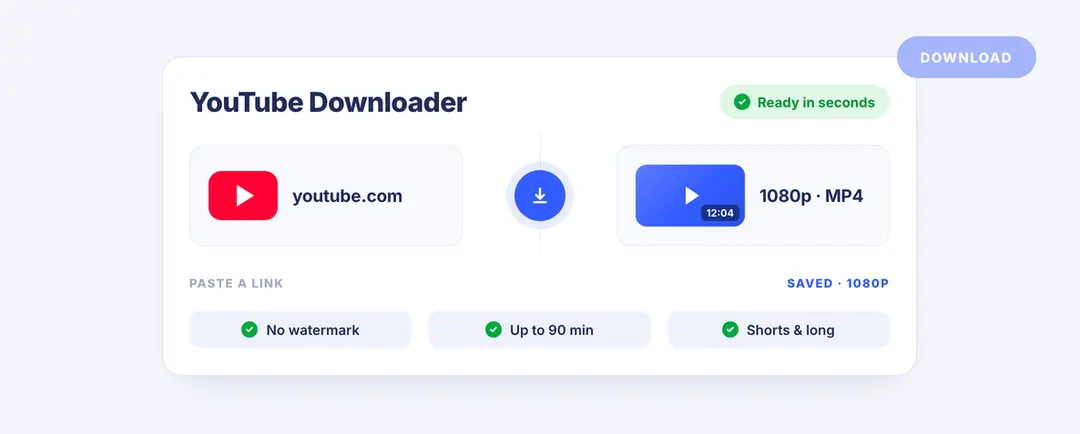
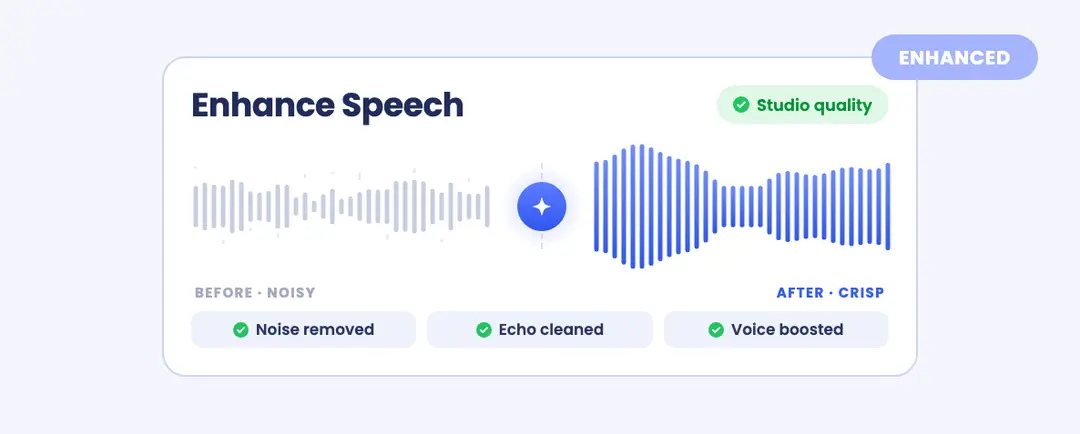
The wider toolkit includes AI voiceovers, AI image generation, subtitle removal, voice changing, speech enhancement, an icon generator, content downloading tools, and social account tracking. Crayo also supports workflow-based video formats such as Reddit-style and text-based videos.
Crayo AI Pricing
Crayo currently offers three main subscription tiers: Hobby, Clipper, and Pro. When annual billing is selected, the published pricing is $13 per month for Hobby, $27 per month for Clipper, and $55 per month for Pro.
The platform currently advertises a 30% annual billing discount. Pricing and promotions can change, so prospective subscribers should verify the current checkout terms before purchasing.
Higher plans increase workflow credits, export capacity, voiceover minutes, AI image allowances, storage, and the number of social accounts that can be tracked. All three plans include access to Crayo's primary toolset, but their monthly usage allowances differ.
Pros & Cons
Pros
✓Multiple creator tools in one platform
✓Built-in AutoClip and advanced editing options
✓Supports AI voiceovers, images, and subtitles
✓Videos created in Crayo can be monetized under Crayo's stated ownership policy
Cons
×Monthly credits and allowances do not roll over
×Crayo states that subscription payments are non-refundable
×Heavy users may need a higher plan for sufficient export capacity
Who Is Crayo AI For?
Crayo is most relevant to creators producing YouTube Shorts, TikTok-style videos, social clips, commentary formats, and repurposed long-form content. It may also suit editors or small content teams that want several AI-assisted utilities under one subscription instead of using separate tools for voice, clipping, subtitles, and images.
For occasional users, the Hobby plan provides the lowest entry point. Creators publishing frequently should compare the export limits, workflow credits, and storage allowances carefully rather than choosing based only on subscription price.
What to Know Before Subscribing
!Crayo states that subscriptions can be cancelled through account settings and remain active until the end of the current billing cycle. It also states that refunds are not offered.
Subscription credits reset at the beginning of each billing cycle and do not roll over. One-time top-up credits are treated separately. Users should therefore estimate their expected monthly output before selecting a plan.
Crayo also states that users retain ownership rights to videos they create using the service. However, creators remain responsible for ensuring that source footage, music, images, downloaded material, and other assets they use are properly licensed for their intended purpose.
Final Verdict
This Crayo AI review finds a platform built around simplifying short-form video production through a combination of automated clipping, browser-based editing, AI voice tools, images, subtitles, and specialized content workflows.
Its main value is convenience: creators can handle several stages of the production process within one ecosystem. The main considerations are the plan-specific usage limits, non-rolling subscription credits, and Crayo's no-refund policy. Comparing expected monthly output with each tier's allowances is the most practical way to decide whether the service fits a particular workflow.
FAQ
Can you cancel Crayo anytime?
Yes. Crayo states that subscriptions can be cancelled through account settings and remain active until the end of the current billing period.
Does Crayo offer refunds?
Crayo's current pricing FAQ states that it does not offer refunds. Review the latest billing terms before purchasing.
Do Crayo credits roll over?
Monthly subscription credits reset each billing cycle and do not roll over. One-time top-up credits are separate from the monthly allowance.
Can Crayo videos be monetized?
Crayo states that users own the rights to videos they create with the platform. Users should still ensure that any third-party source material included in a project is properly licensed.
Does Crayo support multiple languages?
Crayo states that it supports most languages for generation workflows. Availability may depend on the specific tool and language being used.